PROMOTIONAL TOOLKIT
Welcome to 7StarsWin
Your promotional banner generator
How it works
Easy · Fast · Ready
Choose a category, enter your promo code, select a language, then download matching banners.
Banner Categories
Select a category to get started
Banners
Enter your promo code and choose a language
1 Category
2 Promo code
3 Language
4 Download
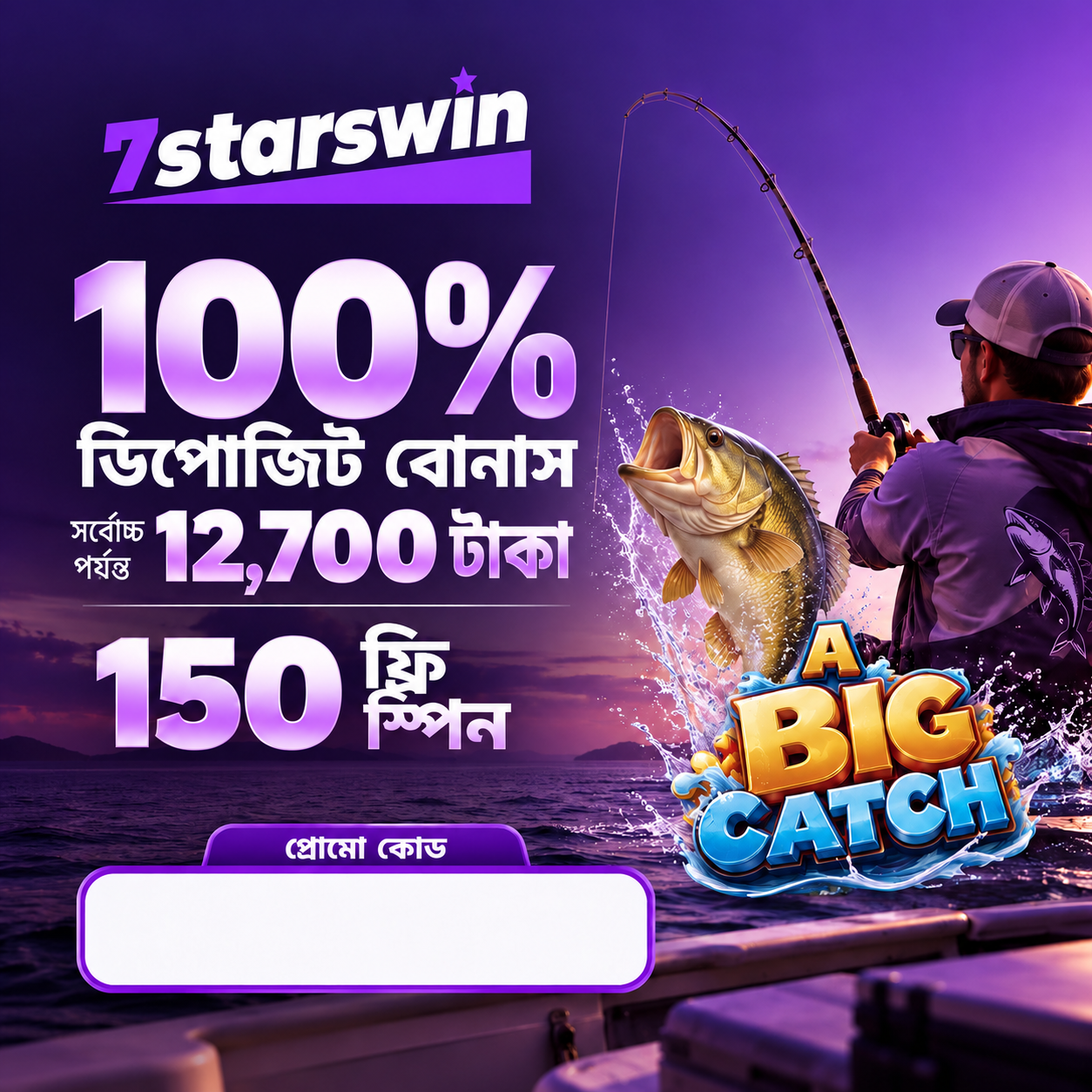
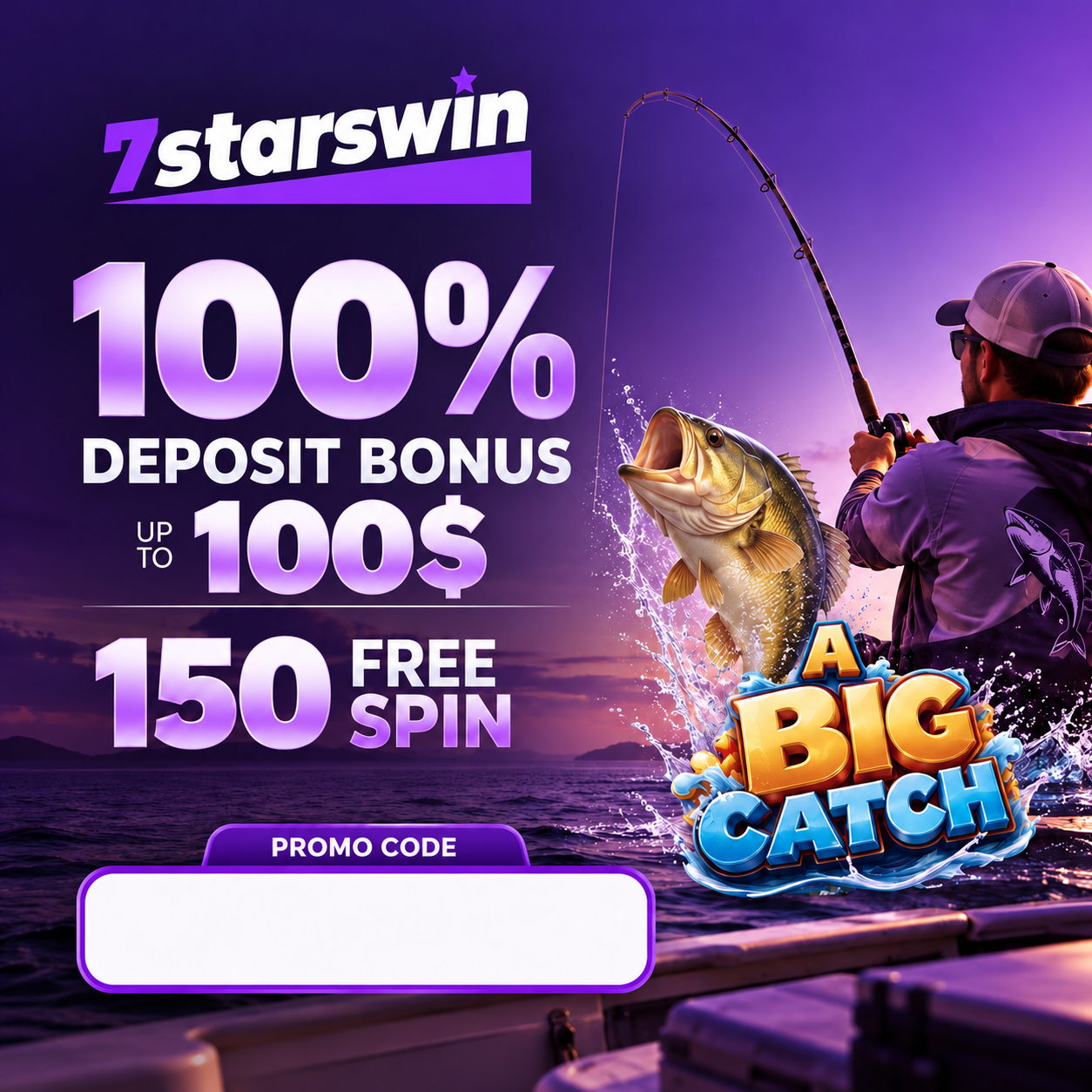
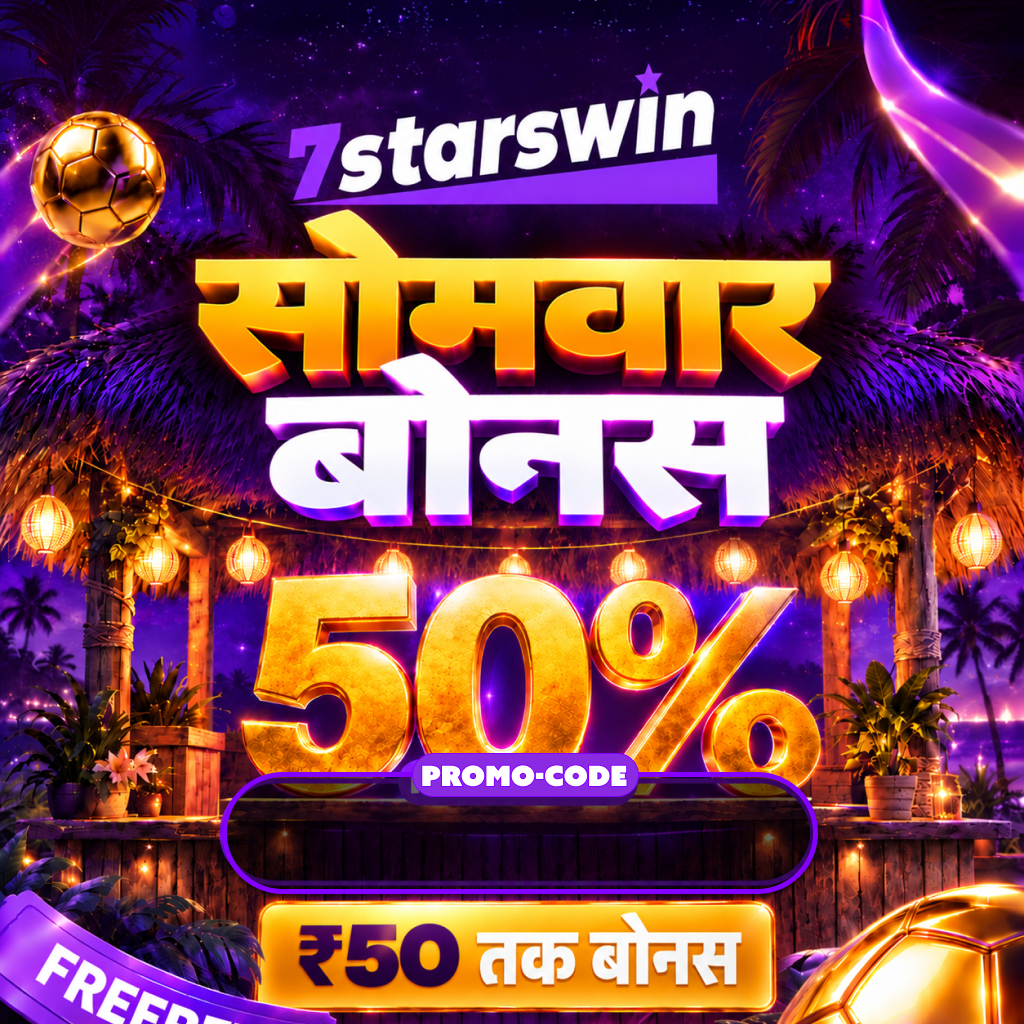
Available designs
Your code is added in the saved position
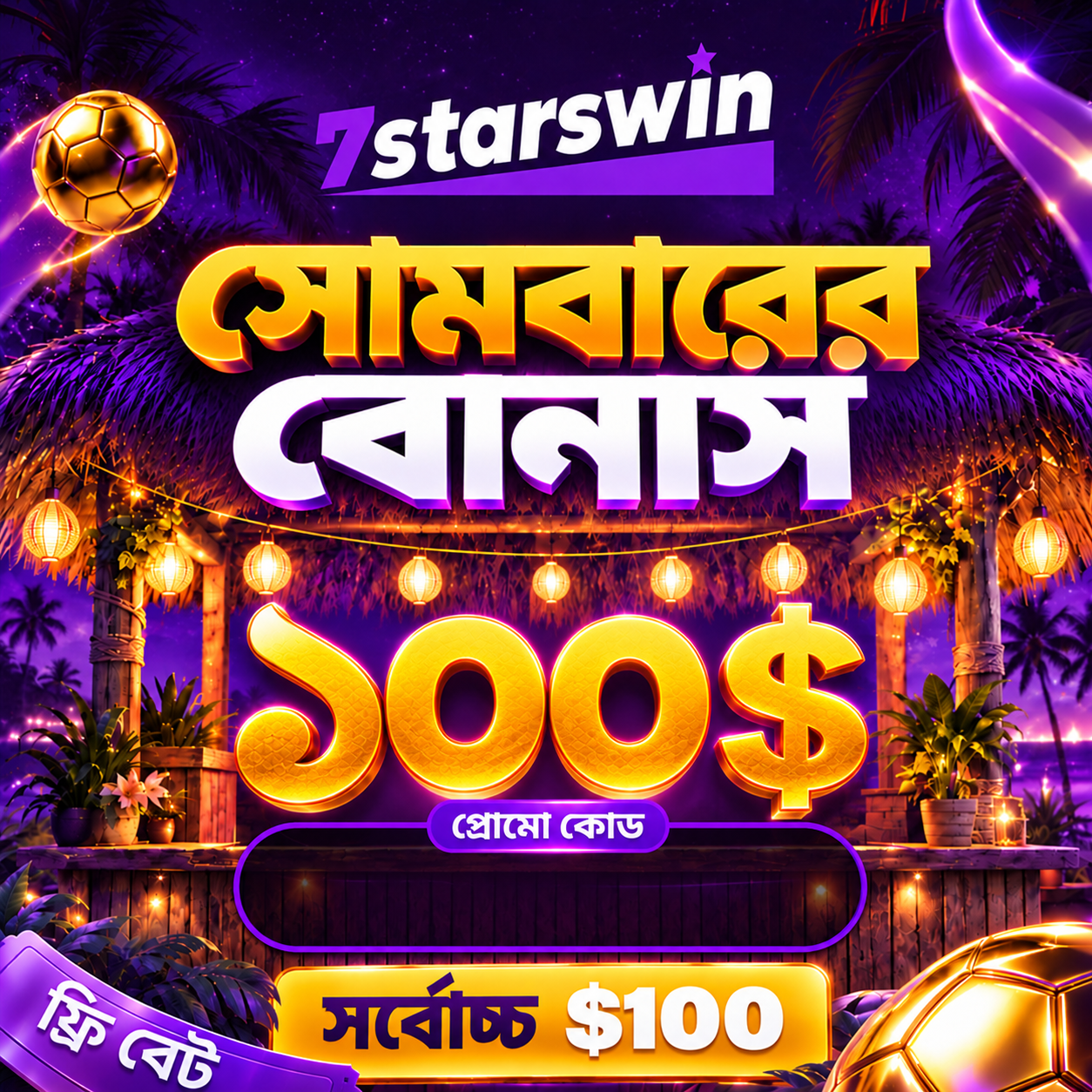
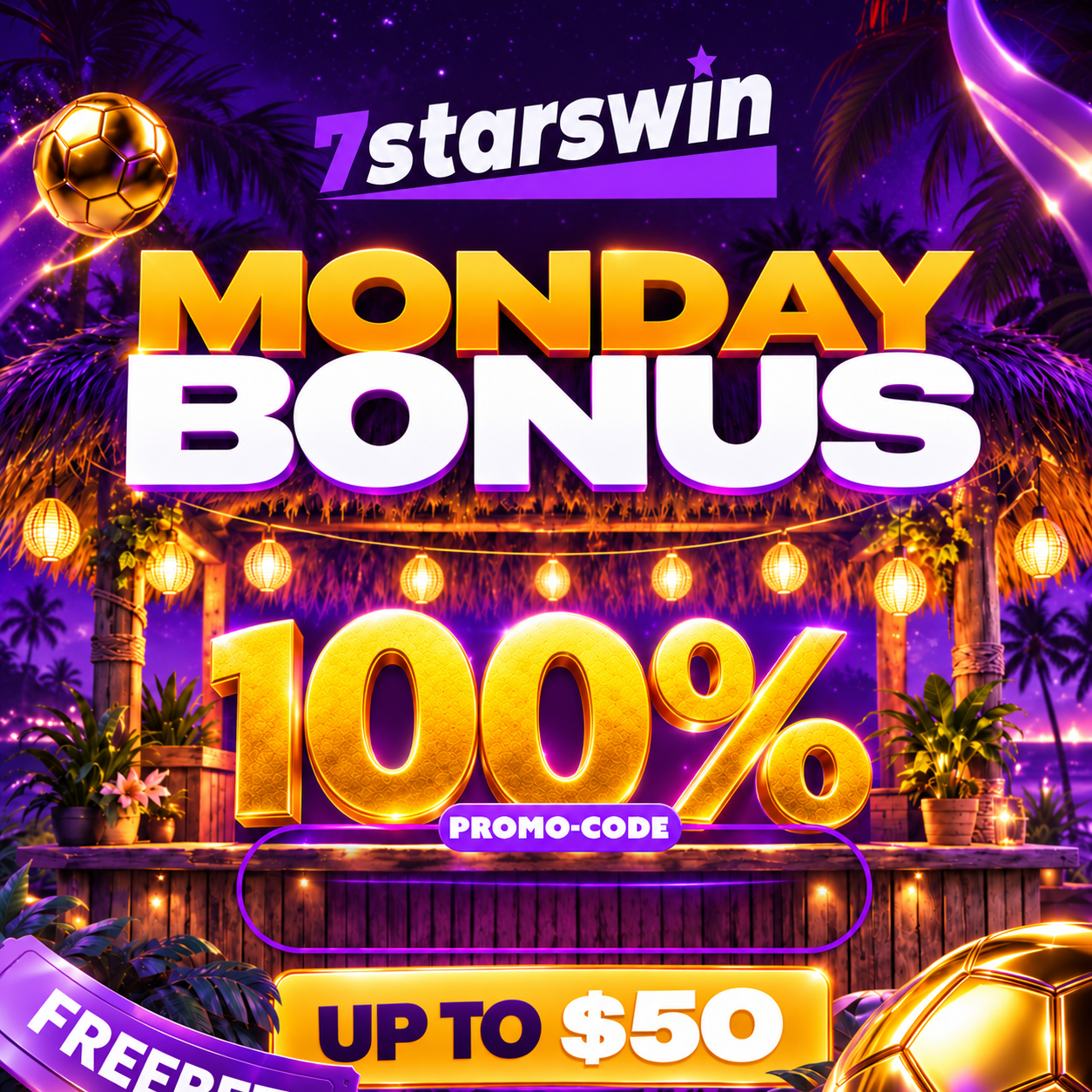
✦No banners found
Try another category or language, or ask your admin to upload a design.
FAQs
Frequently Asked Questions
Tap "Get Banner" on the home screen, pick a category, enter your promo code, choose a language, then tap Generate Banners to see matching designs you can download.
Banner templates are uploaded by the admin as JPG, PNG or WebP images.
Tap "Request Manager" on the home screen. This feature is coming soon — for now, use the Support button to reach us on Telegram.
Tap "Verify Contact" on the home screen. This feature is coming soon.
Yes. Generating and downloading banners is free for everyone with a valid promo code.
Open Settings and pick your preferred language, or simply choose a language in step 3 of the banner generator.
The admin may not have uploaded a design in that language yet. Try "All Categories" or a different language, or ask your admin to add one.
Your promo code can be 2–50 characters long, using letters, numbers, hyphens and underscores only.
After generating, tap Download on any banner card to save it alone, or tap "Download All" above the results to save every matching design one by one.
Tap the Support button at the top of the home screen to reach us on Telegram.
Settings
Choose your preferred language
LANGUAGE
7StarsWin Studio v1.0